-
Step 1
From the Online Tools menu within My Home page, select My Media. -
Step 2
Locate and select the +Create button. -
Step 3
From the +Create dropdown menu, select YouTube.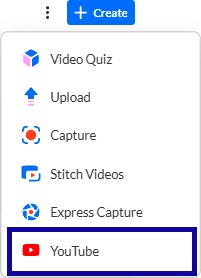
-
Step 4
Enter in the Video Page Link.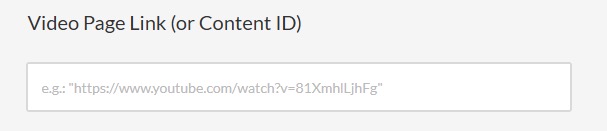
-
Step 5
Select Preview.
Note:
You can mark the video as Reviewed for Audio Description: while adding it to My Media.

-
Step 6
Review the video and then select Save.