-
Step 1
From the Communication menu within a D2L course, select Classlist. -
Step 2
Locate the User Profile to view. -
Step 3
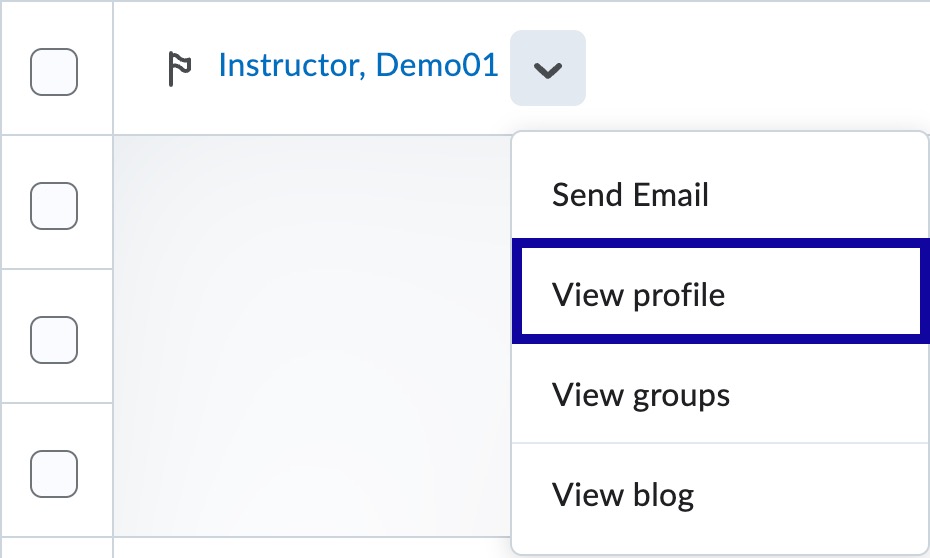
From the Actions dropdown menu next to the user name, select View profile.