Setup
Note:
Courses will need to setup Webex each semester.
- From the Communications menu within a D2L course, select Webex.
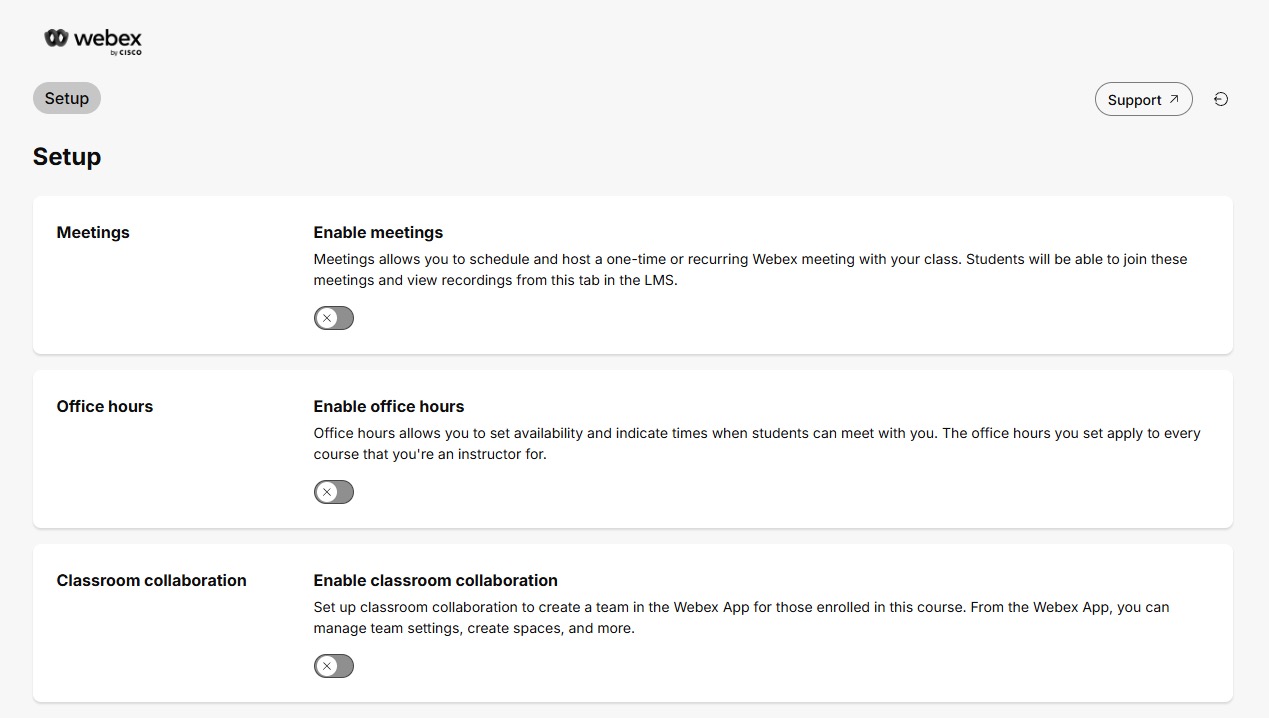
- Select the desired Webex features.
- Meetings: For a single or recurring series of online meetings for the course.
- Office Hours: For hosting private, online meetings with students.
- Classroom Collaboration: For collaboration options including Webex Chat and students being able to host Webex meetings.