Schedule and Start Meetings
Schedule Meeting
- From the Communications menu within a D2L course, select Webex.
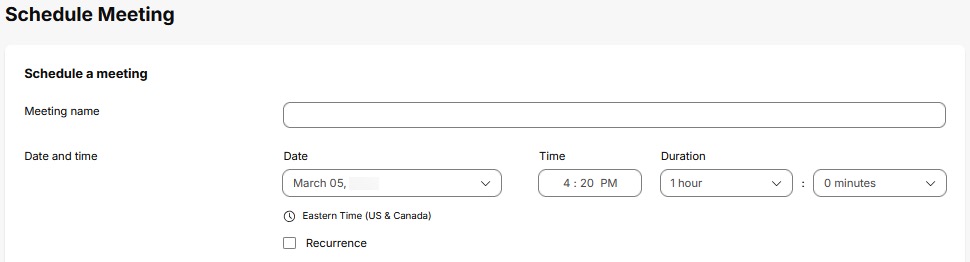
- From the Meetings tab, select the Schedule meeting button.

- Fill in the Meeting name and Date and time information.
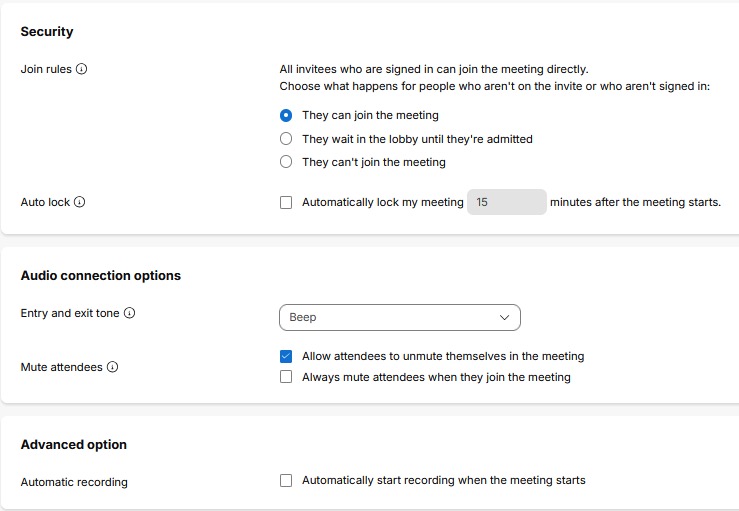
- Select options for Security, Audio connection options, and Advanced option.
- Select Schedule.
Start Meeting
- From the Communications menu within a D2L course, select Webex.
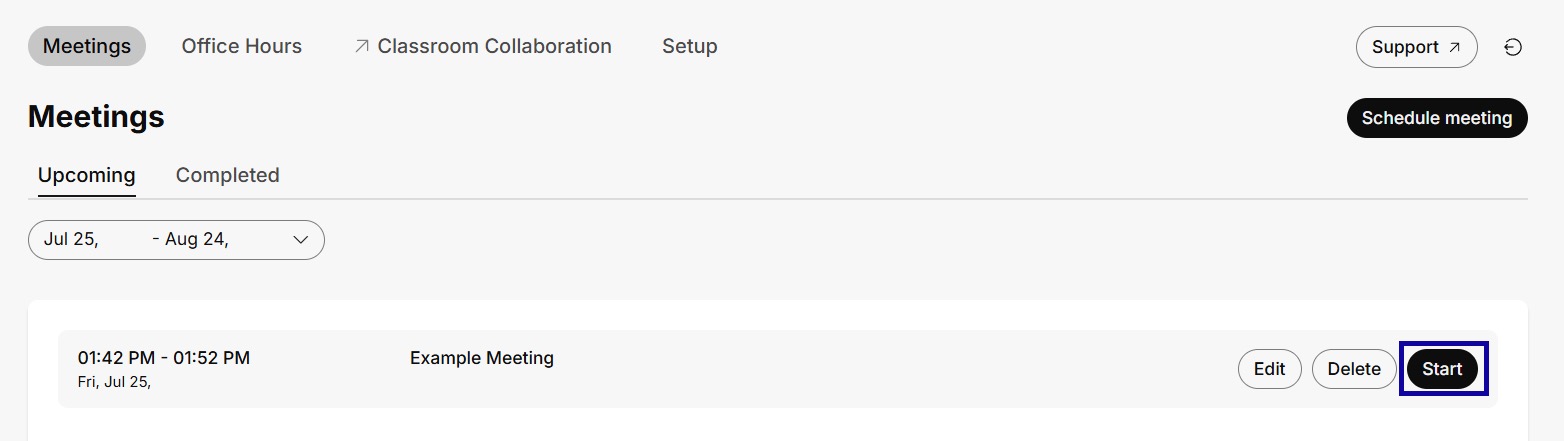
- From the Meetings tab, select Start to launch a previously scheduled meeting.