Accessibility provides a comprehensive set of Webex accessibility features designed to support users with diverse needs, including vision, hearing, and neurodiversity.
Summary and Transcript
AI-generated meeting summaries and transcripts are available when a recorded meeting
is played back. These features include summaries, transcripts, notes, action items,
and chapters, allowing viewers to quickly find relevant information without watching
the entire recording.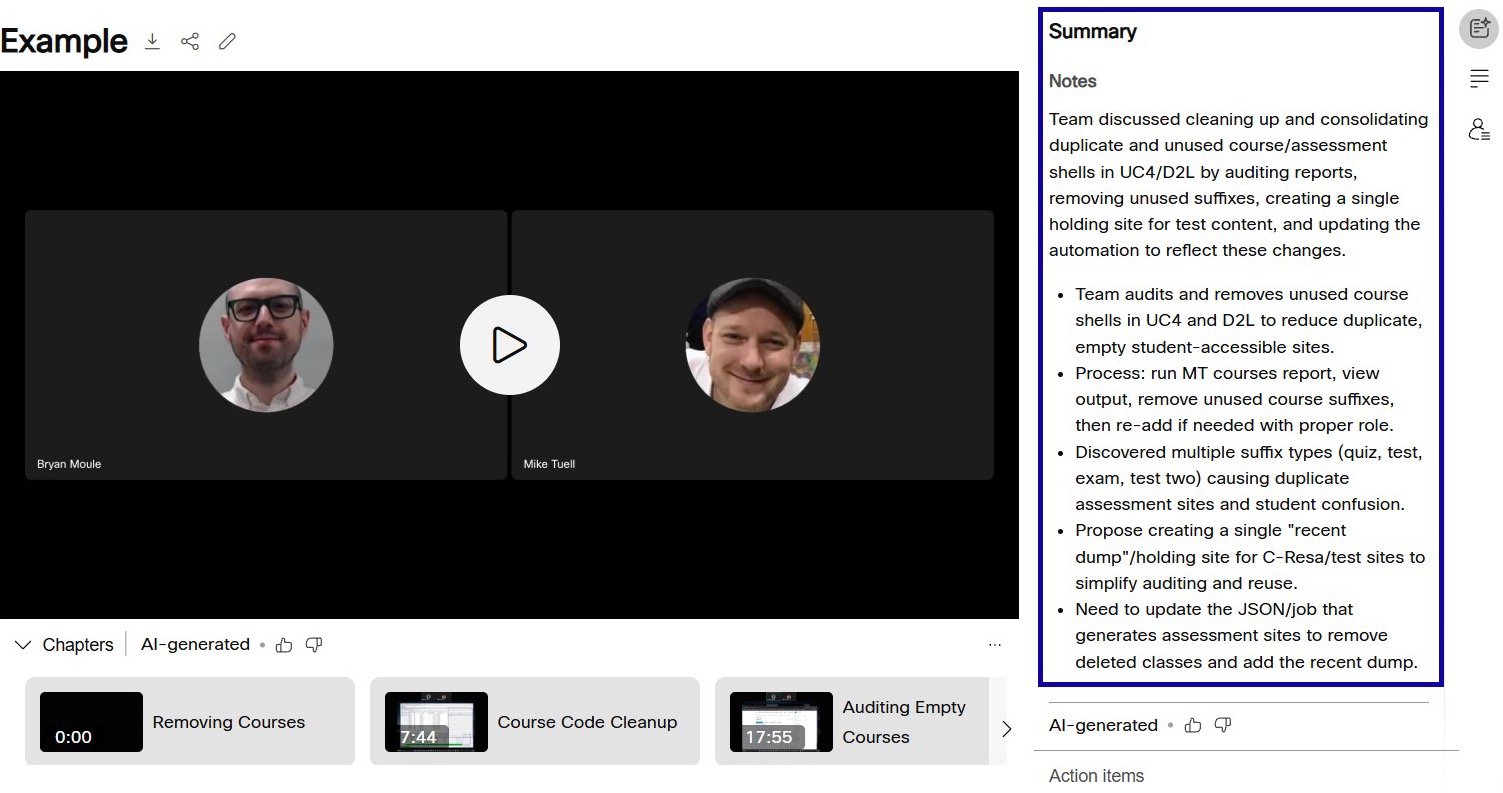
Closed Captions
Users can select Show Closed Captions to display captions during a meeting. As users speak, their words appear above the
meeting controls.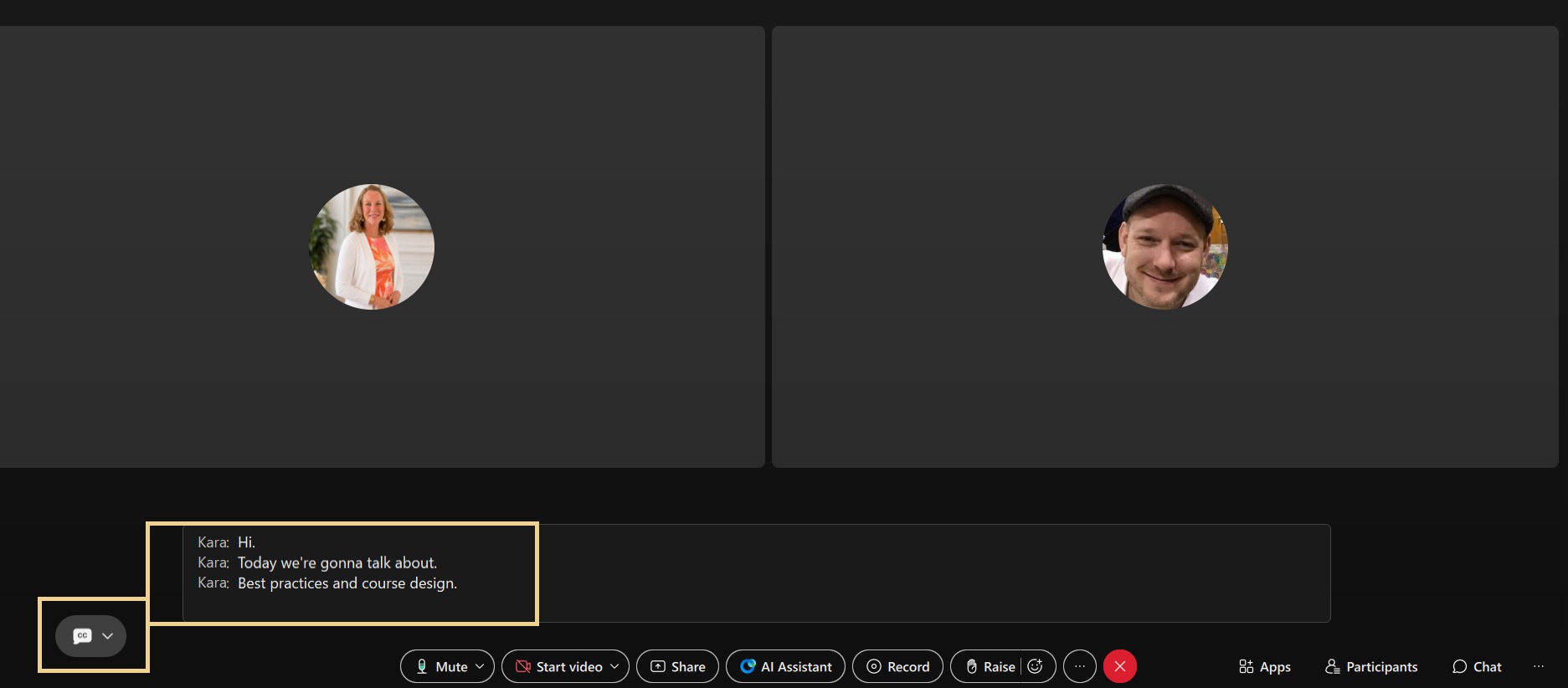
Zoom In and Out
Users can leverage the zoom functionality within a meeting to enlarge shared content
for improved visibility.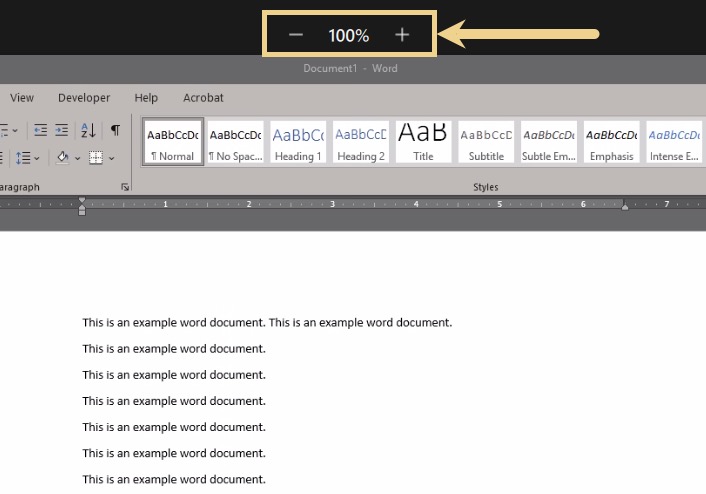
Additional Features
-
Adjustable Video Layouts: Allows users to change their meeting view to focus on the active speaker, shared content, or selected users.
- Screen Reader Support: Supports assistive technologies for navigating meeting controls and identifying interface elements.
- Keyboard Shortcuts: Allows users to navigate meeting controls and perform actions such as muting, enabling captions, and raising their hand without using a mouse.