Classroom Collaboration
Classroom Collaboration provides options for Webex Chat and the ability for students to host Webex meetings.
- From the Communications menu within a D2L course, select Webex.
- Select the Classroom Collaboration tab.

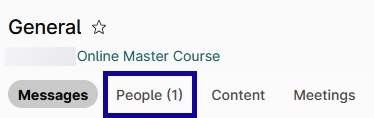
- Select the People tab to validate that your students have appeared.
- Optional: To create a quick meeting within Webex, select Meet.

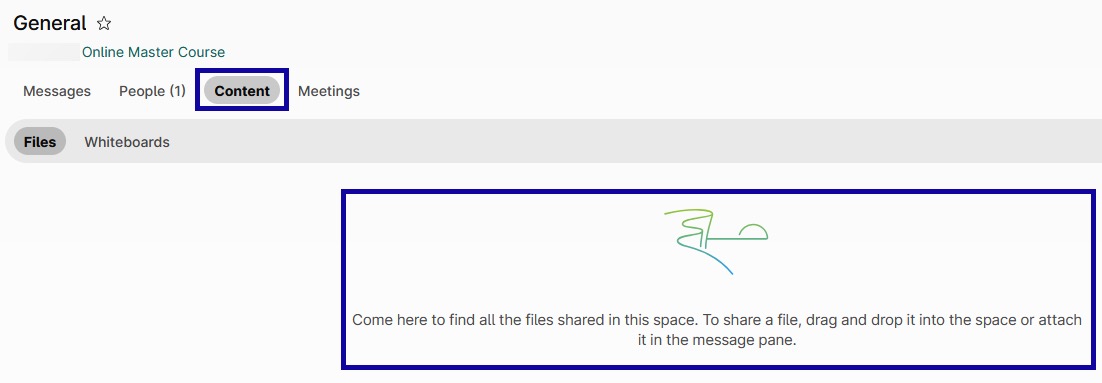
- Optional: To add files to the space, select Content and drag any files from the computer into the space.
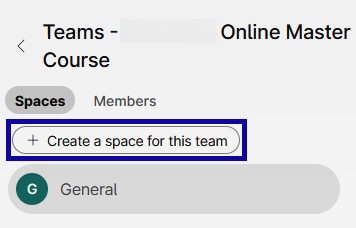
- Optional: To create smaller group spaces, select Create a space for this team.