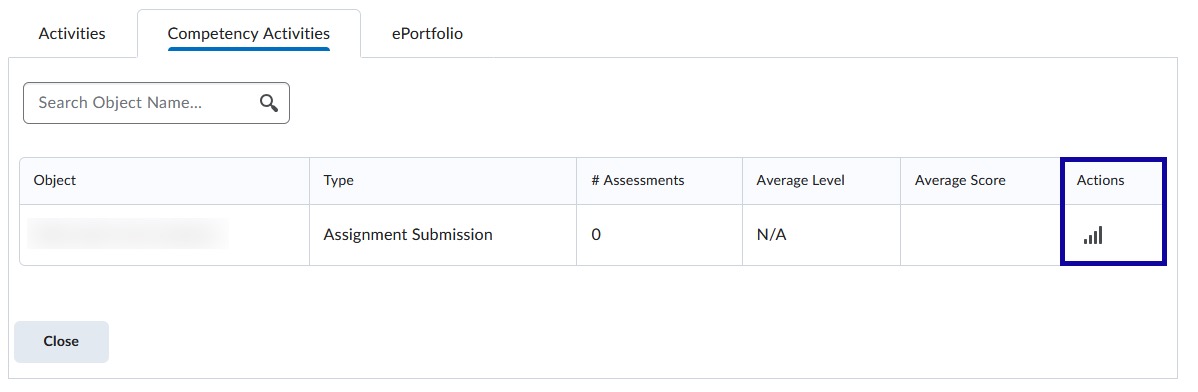
Rubric Statistics provide score assessments in D2L courses.
-
Step 1
From the Assessments menu within a D2L course, select Rubrics. -
Step 2
Locate the Rubric Title. -
Step 3
From the Actions dropdown menu next to the Rubric Title, select View Statistics.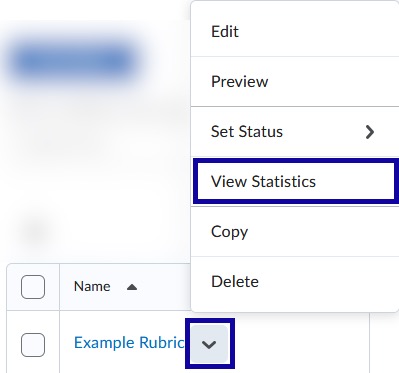
-
Step 4
Select the Competency Activities tab.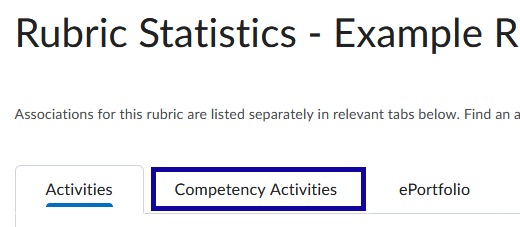
-
Step 5
From the Actions column, select the statistics icon to view Overall, Criteria, or Individual statistics.