Analytics Filter Reset
- From the Online Tools menu within My Home page, select Insights Portal.
- Select the Analytics Builder tab.
- Select Analytics Builder.
- From within the Analytics Builder, select a dashboard to view.
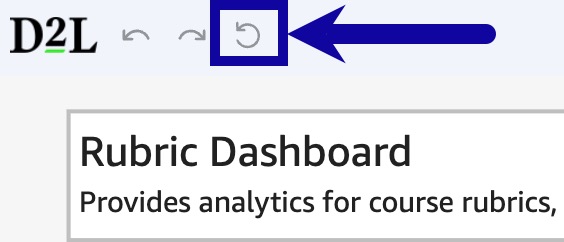
- From within the Analytics Dashboard, select the Reset to original dashboard icon from the upper-left corner.