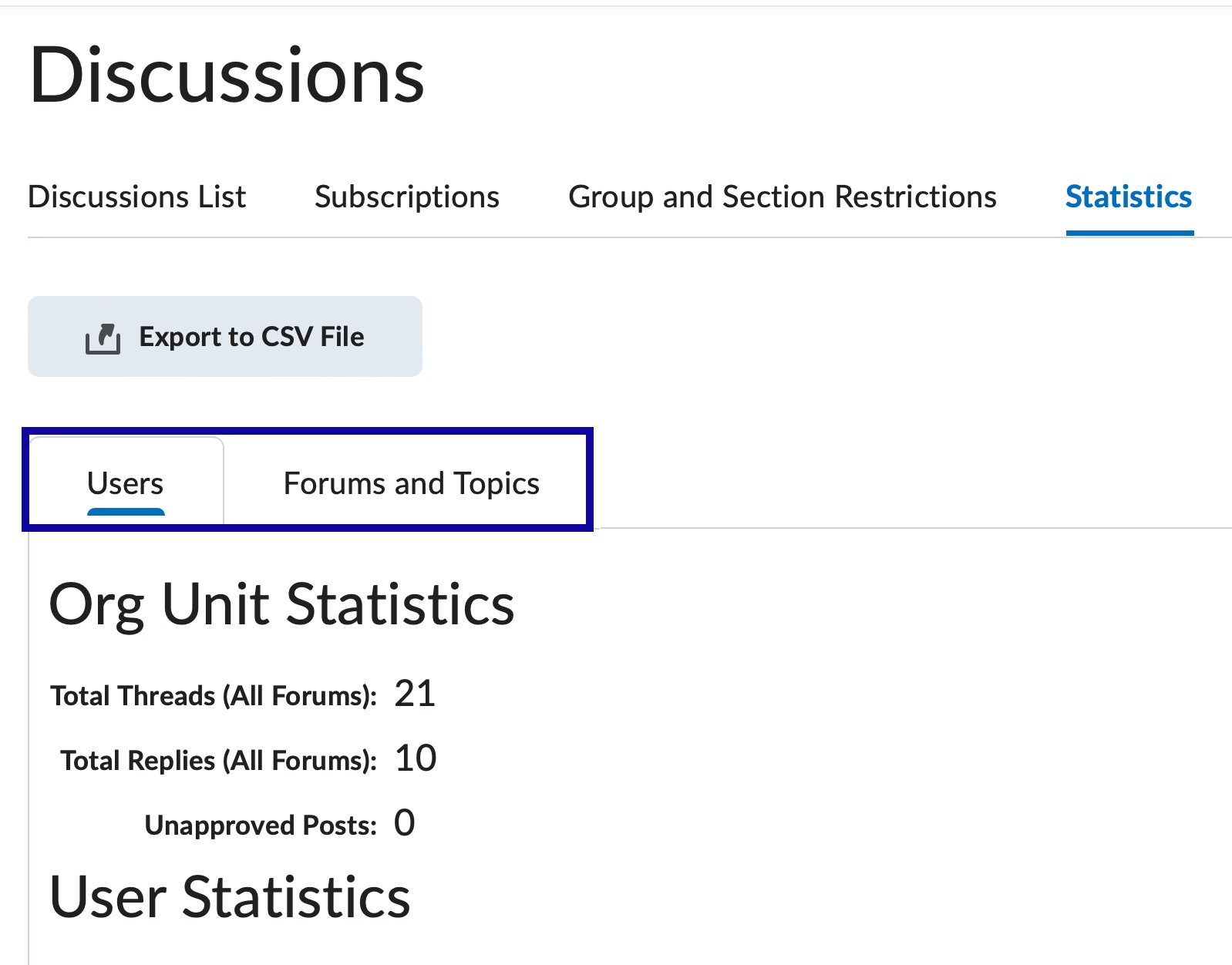
View Statistics including:
- Statistics by Student:
- Number of threads and replies.
- Number of posts read.
- Statistics by Forums and Topics:
- Number of threads, replies, etc. for each Forum or Topic.
-
Step 1
From the Assessments or Communication menu within a D2L course, select Discussions. -
Step 2
Select the Statistics tab.

-
Step 3
Select Users or Forums and Topics to review statistics by student or forum/topic.