Lumi Practice
Lumi Practice provides generated practice questions based on the content of a D2L HTML page.
- From within a D2L course, select Content.
- From within the Table of Contents, select a Content module.
- From the Upload/Create dropdown menu, select Create a File.
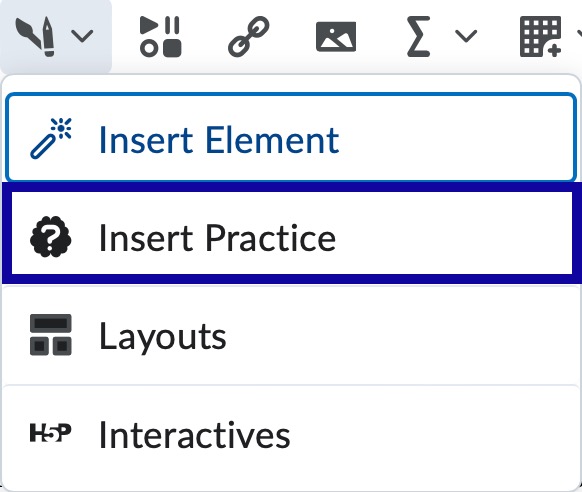
- From within the HTML Editor toolbar, select Authoring Tools, and select Insert Practice from the dropdown menu.
- Choose a practice type that supports generative, indicated by a spark icon.
Note:
Sequencing and Sorting do not currently have generative AI support.
- From within the practice editor, select Generate Question.

- Update the source text to contain the content in which you want to be used to generate the question.
- Select Generate Question.
Note:
This may take some time.
- Verify generated content is accurate and make any necessary edits.
- Select Insert.