Lumi Outcomes for Assignments
Lumi Outcomes for Assignments provide recommended learning outcomes to align with each assignment.
Note:
Learning outcomes must be entered into the Learning Outcomes tool in order to use this feature.
- From the Assessments menu within a D2L course, select Assignments.
- Locate and select one of the following:
- Select New Assignment.
- From the Actions dropdown menu next to the Assignment Title, select Edit Assignment.
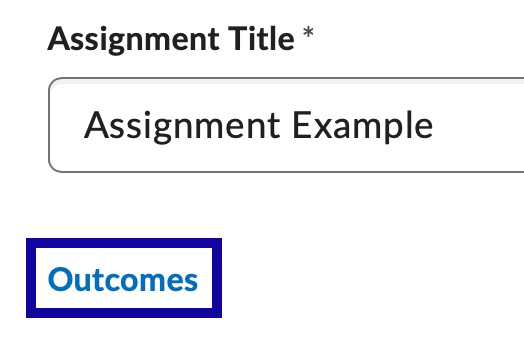
- Select Outcomes.
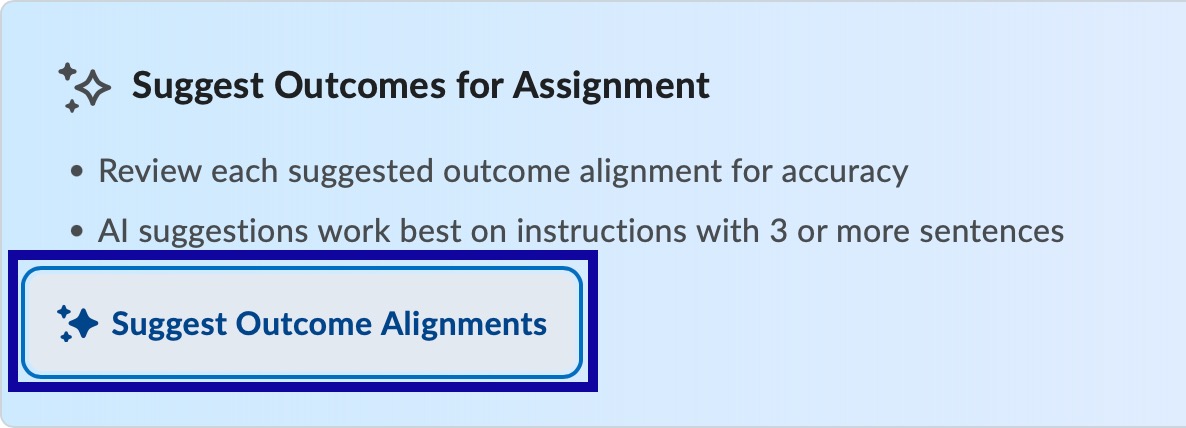
- In the Browse Learning Outcomes dialog, select Suggest Outcome Alignments.
Note:
Instructions will need to be entered in the assignment for Suggest Outcome Alignments to appear.
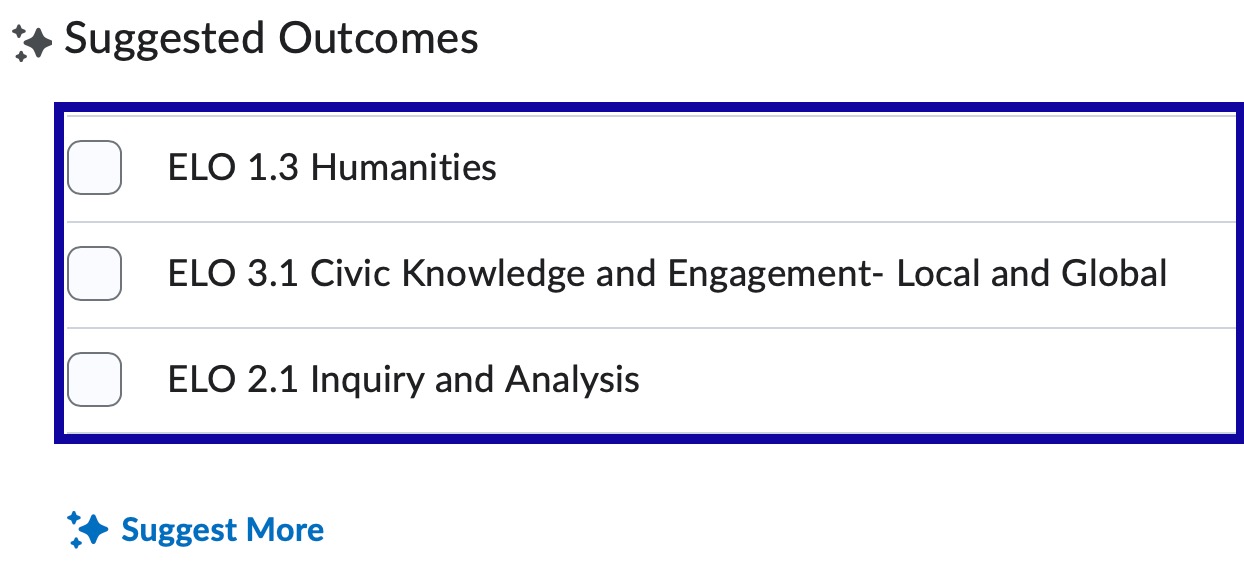
- Select one of the following:
- Select one or more of the three suggested outcomes.
- Select Suggest More to generate additional suggestions.
- Select Save.