Lumi Summary
Lumi Summary provides concise summaries of Content modules and activities.
- From within a D2L course, select Content.
- From the Table of Contents, select a Content module or submodule.
Note:
Lumi Summary will only read the content from within a module or submodule. If Lumi Summary is accessed from the top-level of a module, it will not read content from within submodules contained within the top-level module.
-
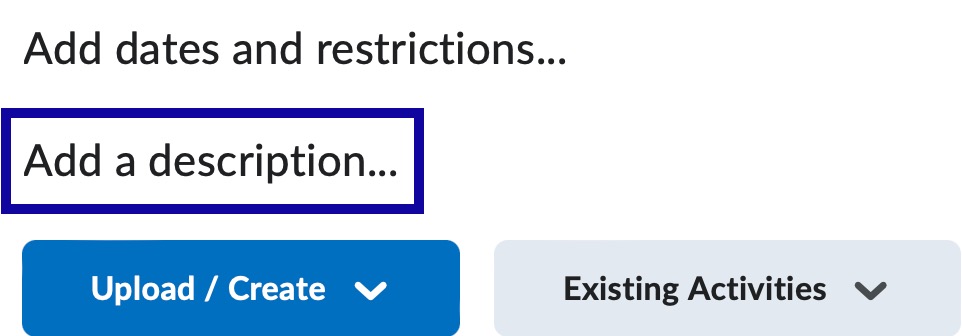
From within the Content module or submodule, select Add a description.
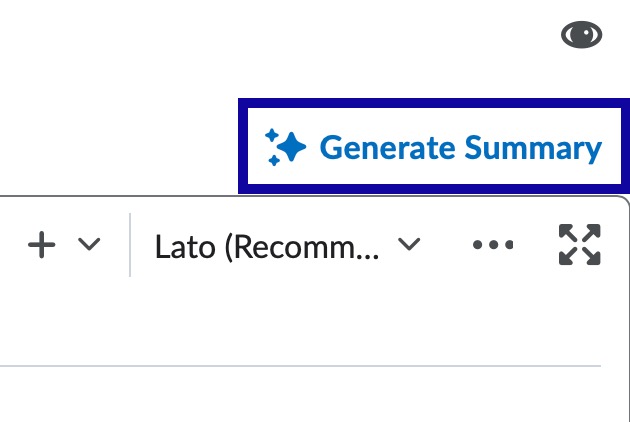
- From the Edit page of the Content module or submodule, select Generate Summary.
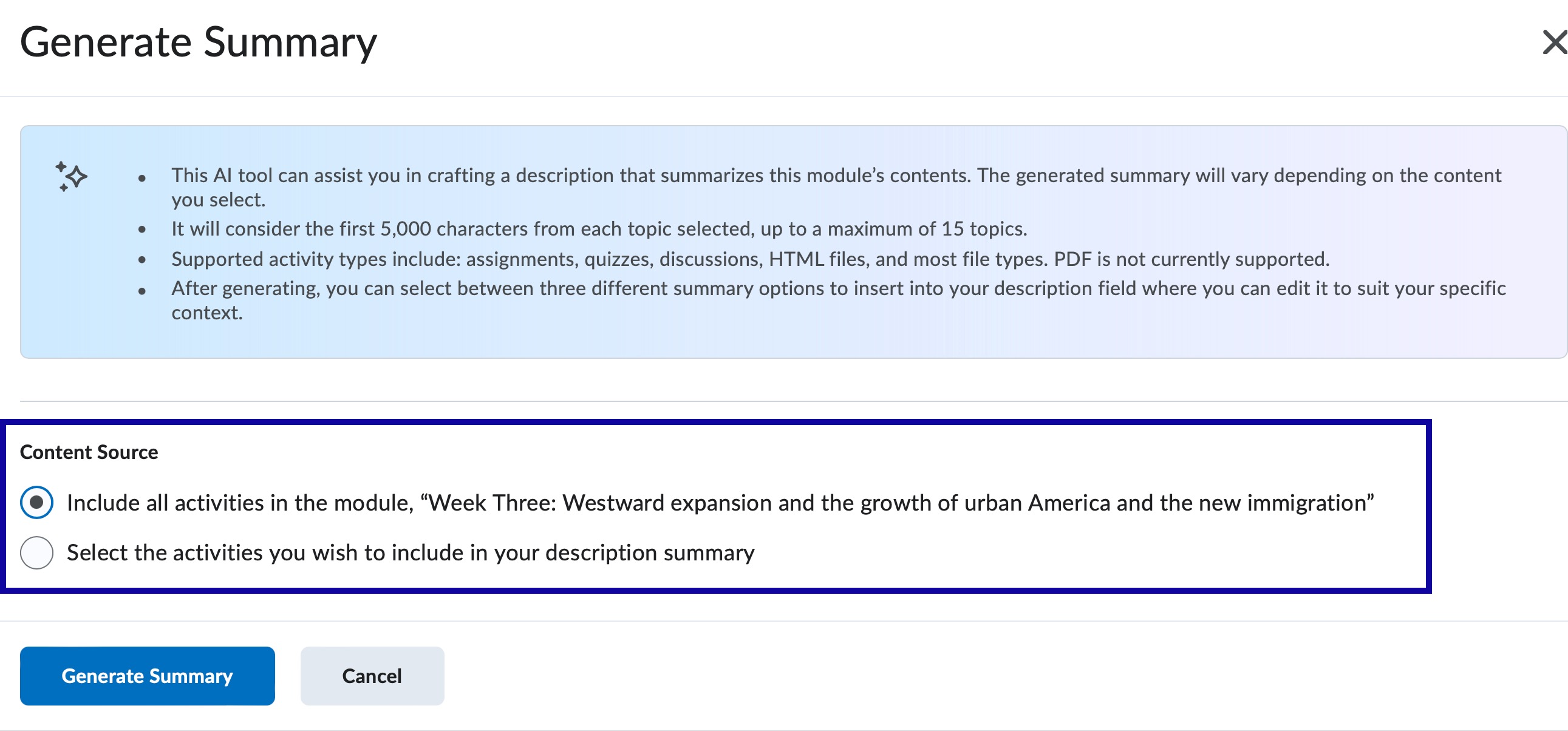
- From the Generate Summary dialog, choose one of the following:
- Include all activities in the module: Lumi Summary will use all supported activities nested within the selected module or unit as the source content to generate a summary. Additionally, the source text can be edited, if needed.
- Select the activities you wish to include in your description summary: Select from activities nested within the module.
- Select Generate Summary.
- From the Suggested Summaries dialog, choose a summary and select Insert. The summaries are written from a student, module, or instructor perspective.
Note:
If your module has an existing Description, you are prompted to select Proceed before replacing that content.
- Select Update.