-
Step 1
From the Communication menu within a D2L course, select Announcements. -
Step 2
Select New Announcement.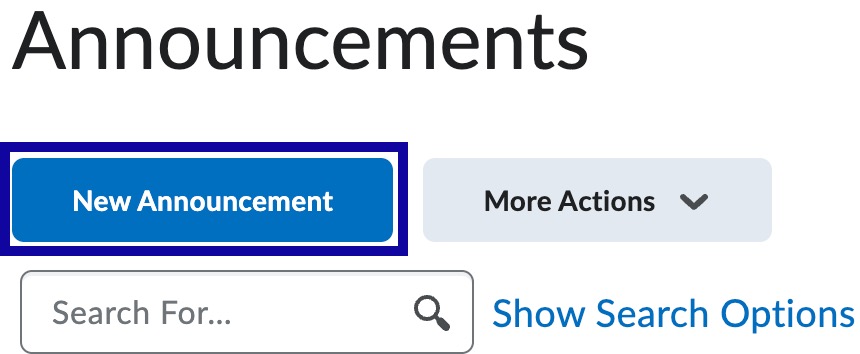
-
Step 3
Enter the Headline. -
Step 4
Enter the Content.
- Optional: Select Send email copy to send an email copy of the announcement to the intended recipients.
Note:
Send email copy will ignore notification settings for individuals who have turned off email notifications for Announcements.
- Optional: Select Send email copy to send an email copy of the announcement to the intended recipients.
-
Step 5
Using the calendar and time menus, select a Start Date and Time and/or End Date and Time.
Note:
Announcements can be scheduled to post at a future date/time.

-
Step 6
Select Publish.