Suggest Discussion Outcome Alignment provides recommended learning outcome alignment for discussions. Note: Learning Outcomes must be entered into the D2L Learning Outcomes tool in order to use this feature.
-
Step 1
From the Assessments or Communication menu within a D2L course, select Discussions. -
Step 2
Locate and select one of the following:
- From the New dropdown menu, select New Topic, and add discussion instructions/prompts.
- From the Actions dropdown menu next to the Topic Title, select Edit Topic.
-
Step 3
Select Outcomes.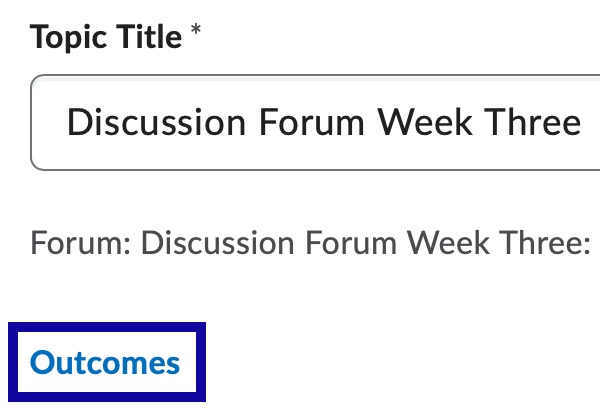
-
Step 4
In the Browse Learning Outcomes dialog, select Suggest Outcome Alignments.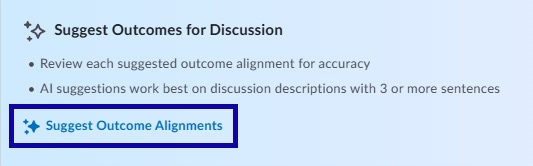
-
Step 5
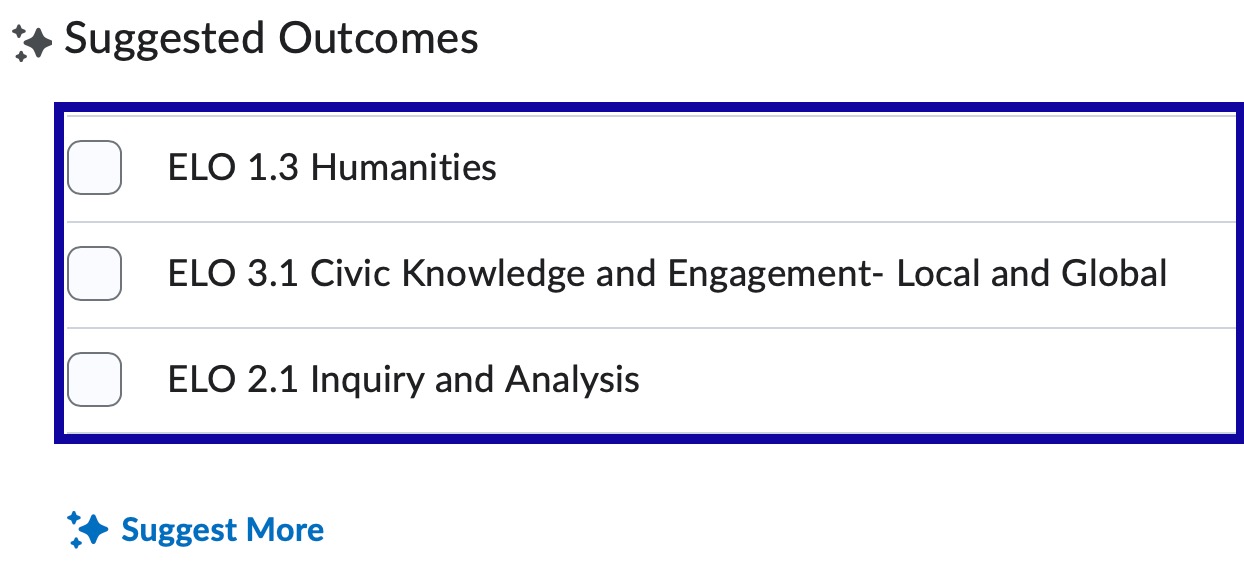
Select one of the following:
- Select one or more of the three suggested outcomes.
- Select Suggest More to generate additional suggestions.
-
Step 6
Select Save.