Generate Summary provides suggested module summaries generated from content and learning materials within a Content module. Instructors can select from a student, module, or instructor perspective.
-
Step 1
From within a D2L course, select Content. -
Step 2
From the Table of Contents, select a Content module or submodule. -
Step 3
From within the Content module or submodule, select Add a description.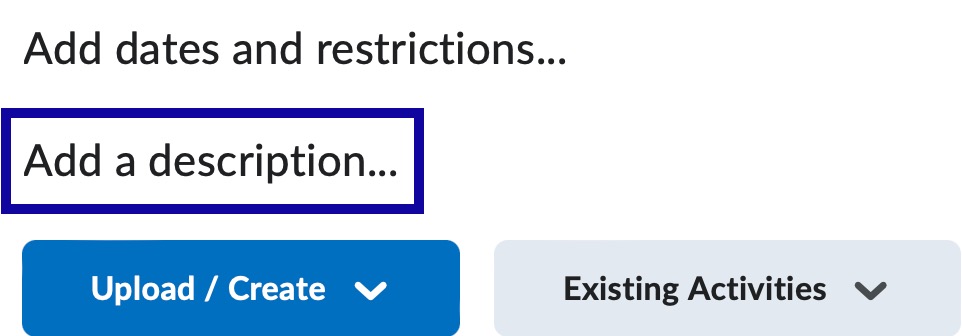
-
Step 4
Select Generate Summary.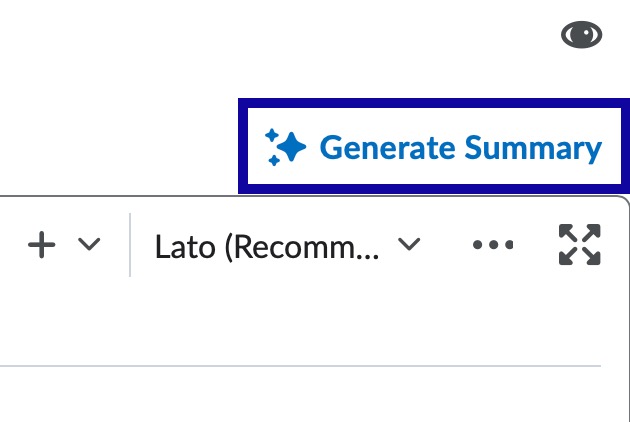
-
Step 5
From the Generate Summary dialog, choose one of the following:
- Include all activities in the module: Uses all supported activities nested within the selected module or unit as the source content to generate a summary. Additionally, the source text can be edited, if needed.
- Select the activities you wish to include in your description summary: Select from activities nested within the module.
-
Step 6
Select Generate Summary. -
Step 7
From the Suggested Summaries dialog, choose a summary and select Insert. The summaries are written from a student, module, or instructor perspective.
Note:
If your module has an existing Description, you are prompted to select Proceed before replacing that content.
-
Step 8
Select Update.