Generate Assignment Ideas provide assignment ideas generated from existing course content and learning materials to help create new assignments or strengthen existing assignments.
-
Step 1
From the Assessments menu within a D2L course, select Assignments. -
Step 2
Locate and select one of the following:
- Select New Assignment.
- From the Actions dropdown menu next to the Assignment Title, select Edit Assignment.
-
Step 3
On the Assignment page, select Generate Assignment Ideas.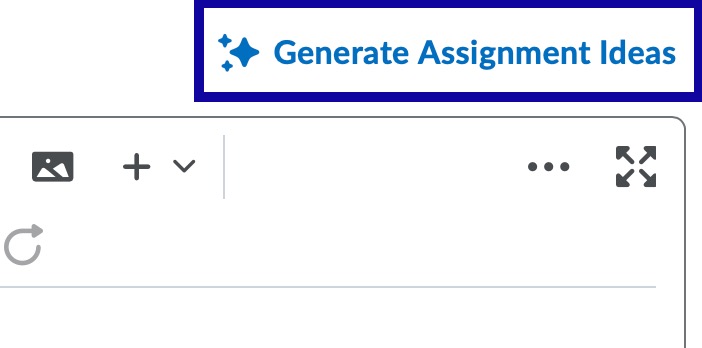
-
Step 4
Select the Number of Ideas to generate. -
Step 5
Optional: Select a Bloom's Taxonomy level appropriate for your assessment goals. If Bloom’s Taxonomy is unnecessary, leave the field set to Select Level. -
Step 6
Optional: Enter additional instructions to guide focus, tone, audience, style, etc. -
Step 7
Select an Idea Source from the following options:
- Course Activities: Assignment ideas will be generated based on existing course activities. Select Select Course Activities, then select the checkbox(es) for each item to be included.
- Custom Text: Assignment ideas will be generated based on texted entered into the text field box.
-
Step 8
Select Generate. In the Suggested Ideas dialog, a list of assignment ideas is generated. -
Step 9
Select the idea to use for your assignment. -
Step 10
Select Insert. -
Step 11
Edit the assignment idea (if needed), enter a title in the Assignment Title field, add a Grade Out Of value, and select a Due Date. -
Step 12
Select Save.