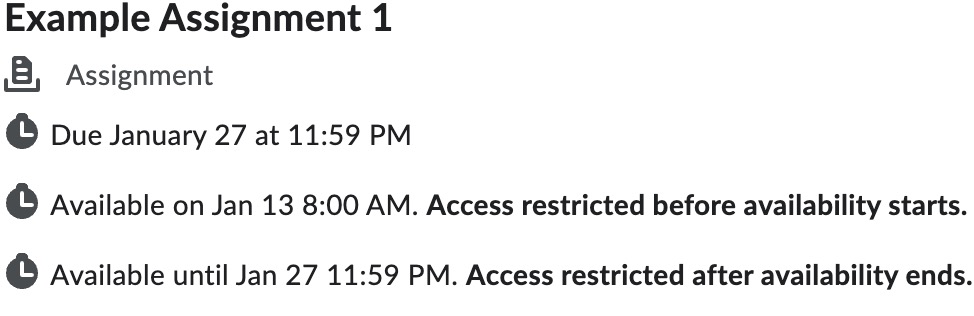
Assignment View provides a list of available assignments within a D2L course(s). Instructors can also link to assignments within content.
-
Step 1
From the Assessments menu within a D2L course, select Assignments.Note:
On a mobile device, scroll right or use the navigation arrow to view the rest of the Assignment table.
Desktop View: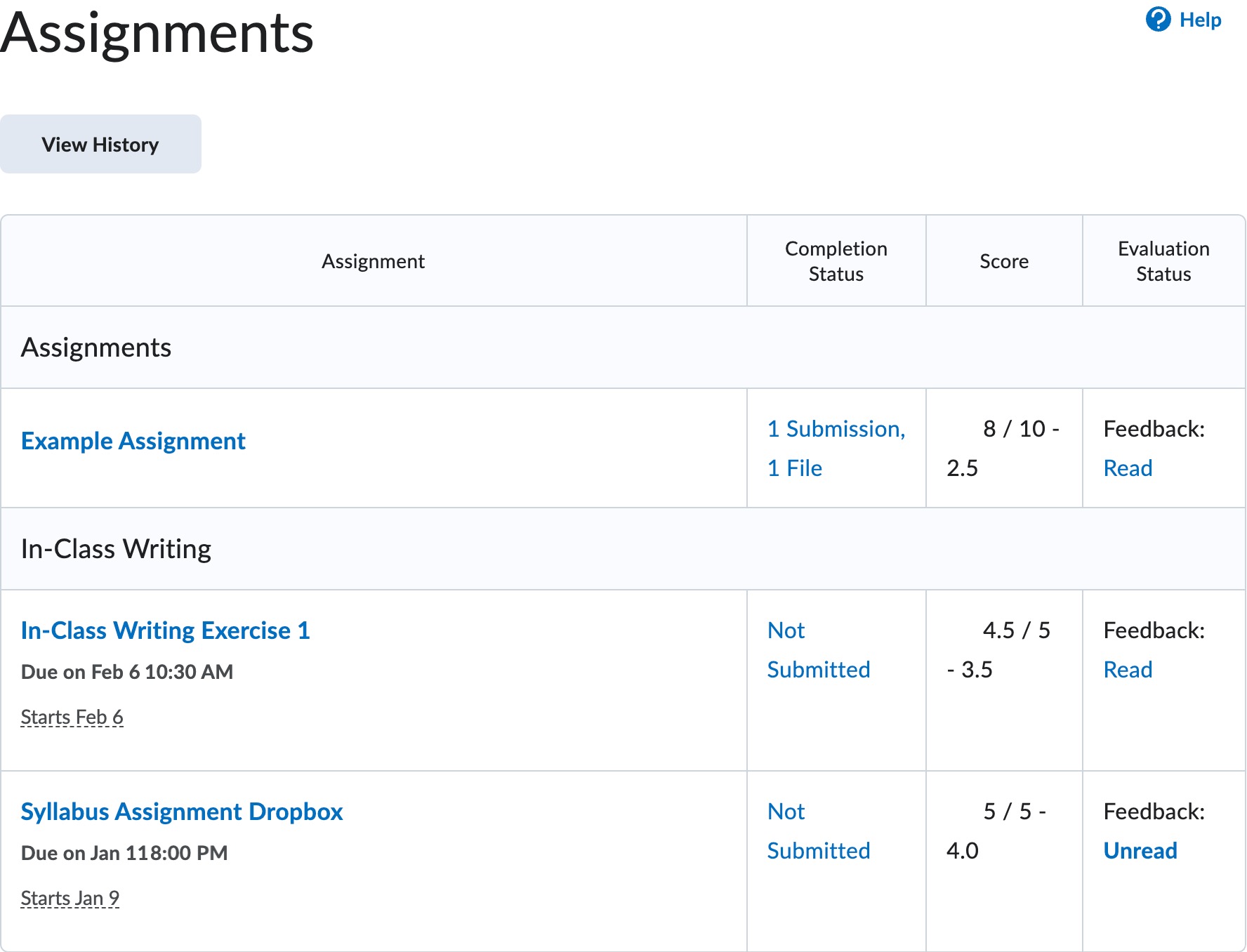 Mobile View: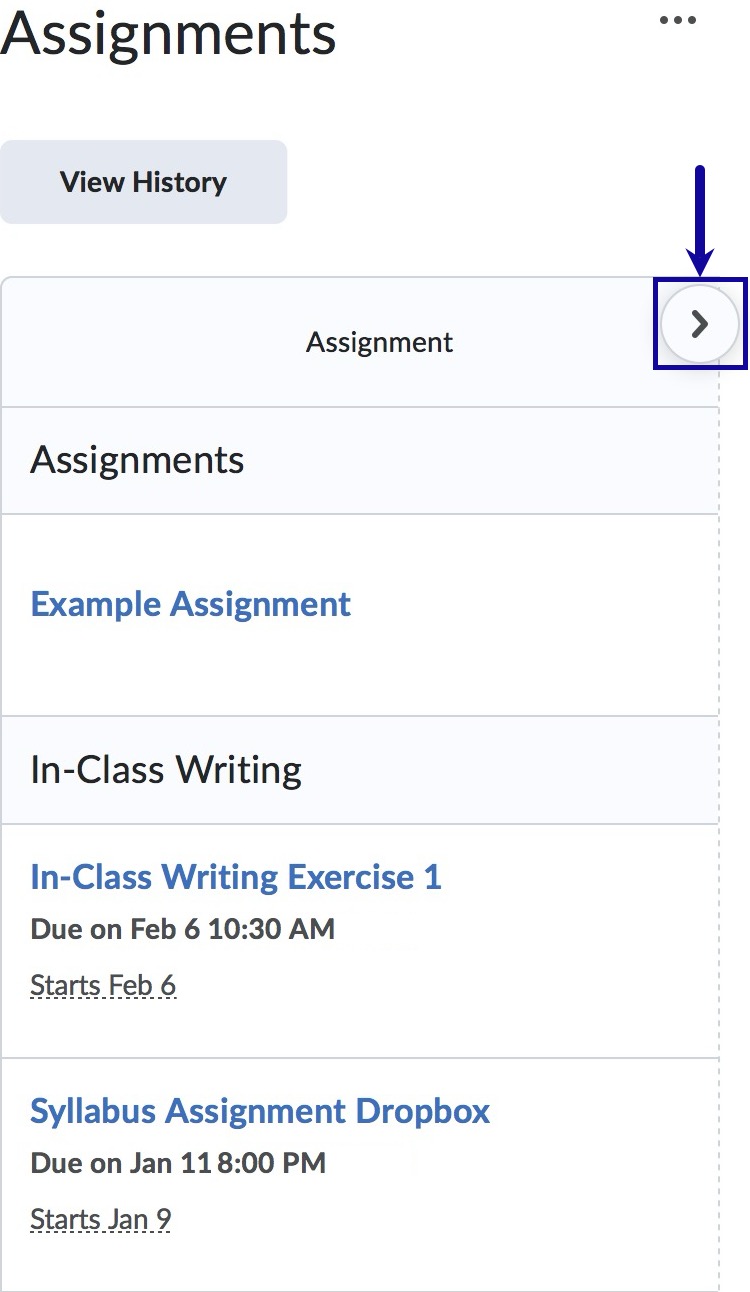
-
Step 2
When the assignment is available, locate and select the assignment title to view the full details about the assignment.
Note:
Instructors can link to assignments within content.