Listen to Documents
Listen to Documents provide the ability to use the Open with docReader option to listen to documents uploaded to D2L, including Word, PowerPoint, and PDFs.
- From within a D2L course, select Content.
- Open the document by selecting the document title.
- From the Actions dropdown menu next to the Document Title, select Open with docReader.
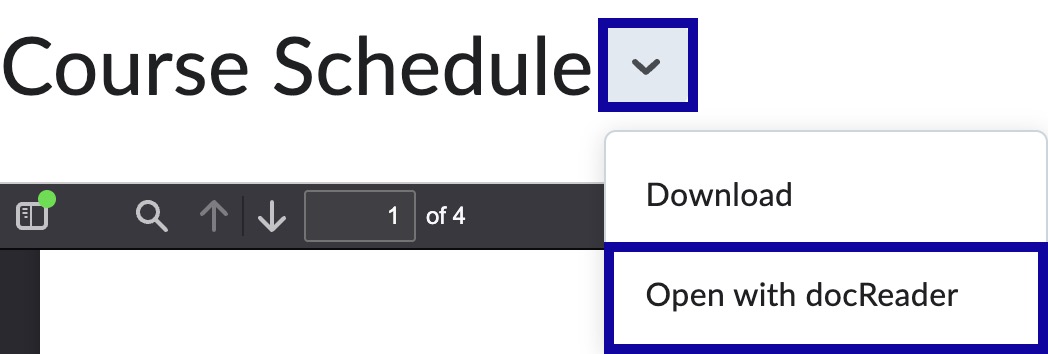
Note:
Open with docReader is also available below the document.

- Select Listen on the docReader toolbar.
