Download Kaltura Transcript
- Locate and play the Kaltura video.
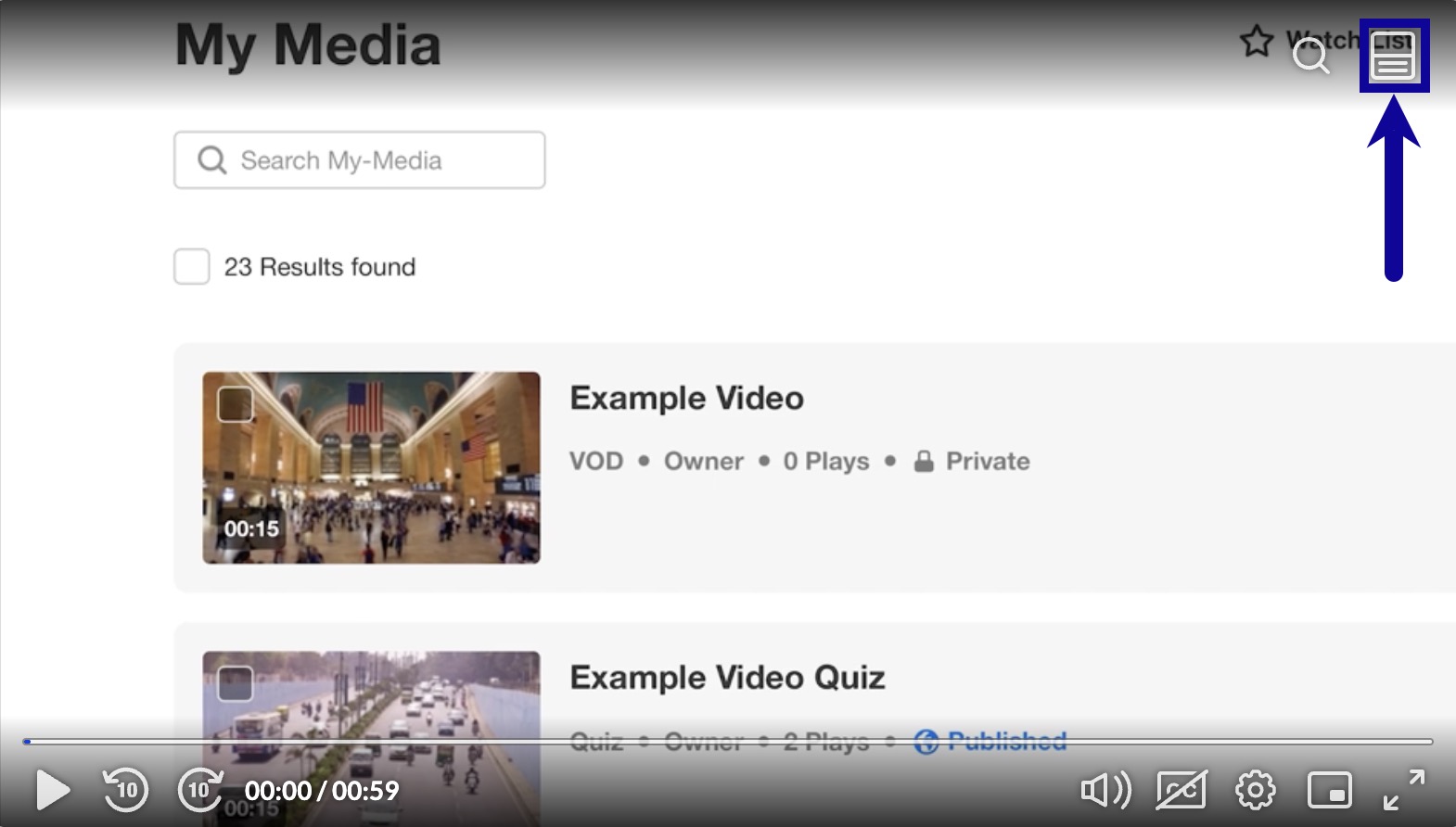
- Select the Show Transcript icon.
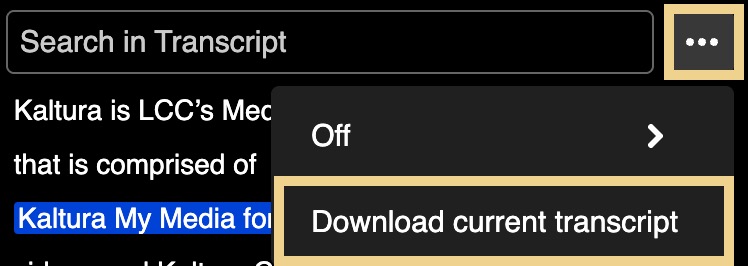
- From the More transcript options (three dots) dropdown menu, select Download current transcript.
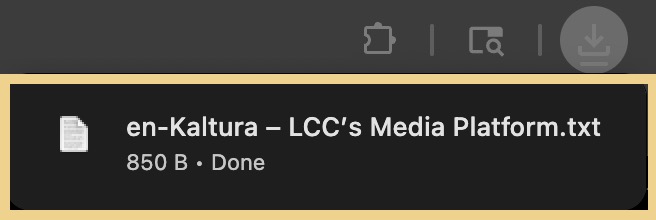
- Access and save the .txt file in the Downloads section of the browser.