Reserve Office Hours
Reserve Office Hours provide the ability to reserve and join Webex Appointment Blocks.
- From the Communications menu within a D2L course, select Webex.
- From the Office Hours tab, select the Instructor from the menu to view available appointment blocks.
- Select an available appointment block.
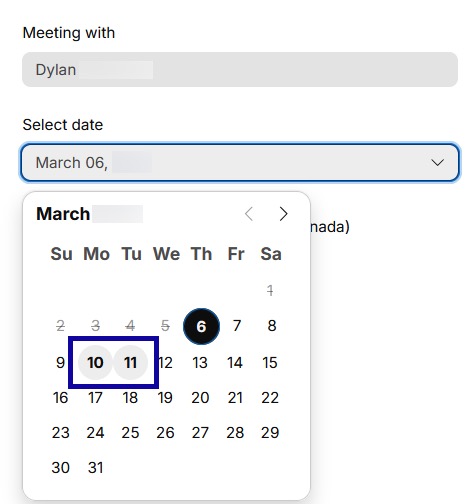
- Select a time slot for the appointment.
- Select Schedule.