-
Step 1
From My Home page, select the Personal Menu from the top-right of the page. -
Step 2
Select Notifications.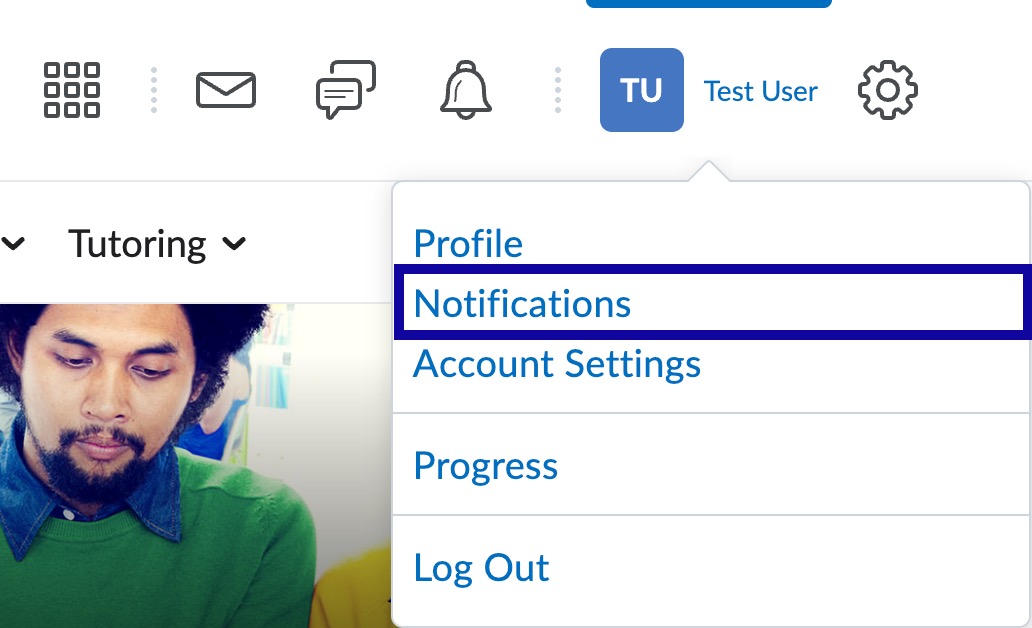
-
Step 3
Select the Delete icon (trashcan) for the associated email.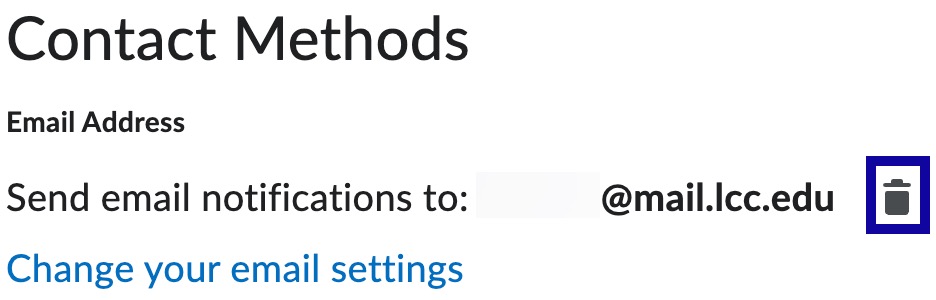
-
Step 4
Select Save.