Feedback on Assignments
- From the Assessments menu within a D2L course, select Assignments.
- Select Unread.
Note:
On a mobile device, scroll right or use the navigation arrow to view the rest of the Assignment table.
Desktop View: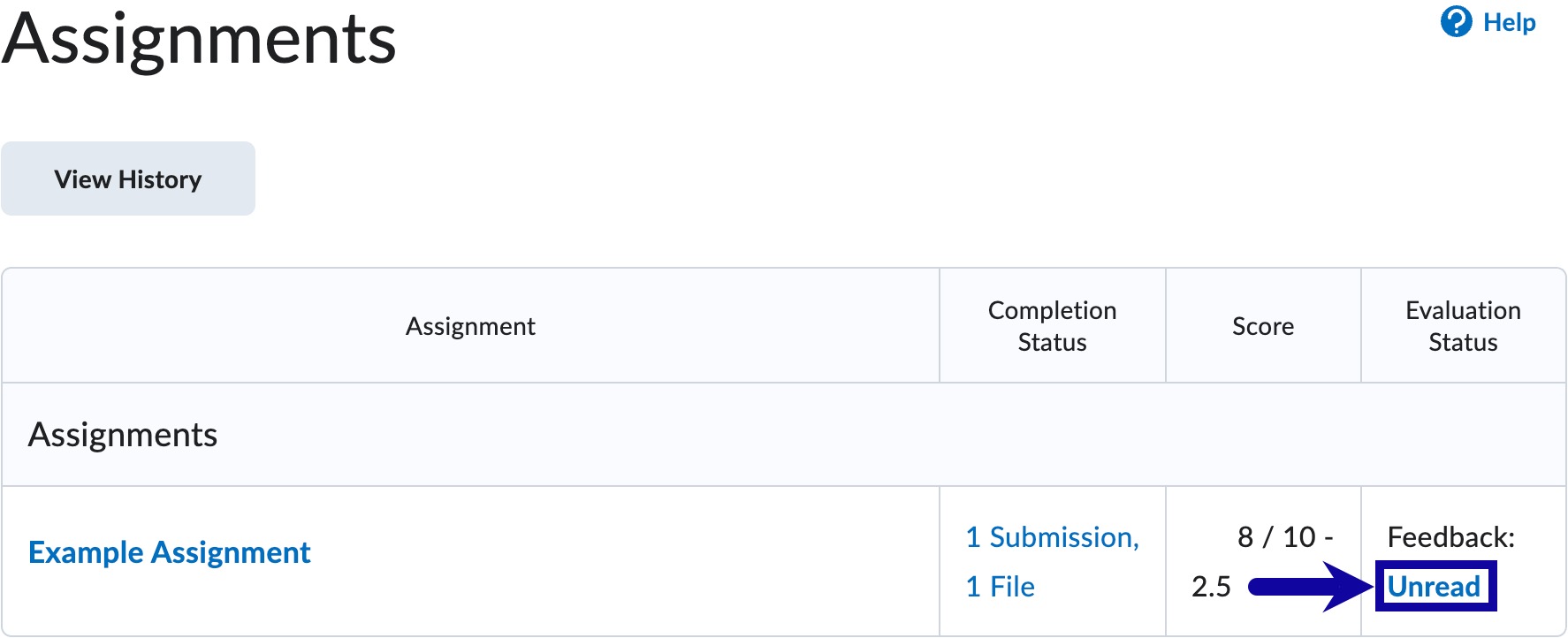 Mobile View: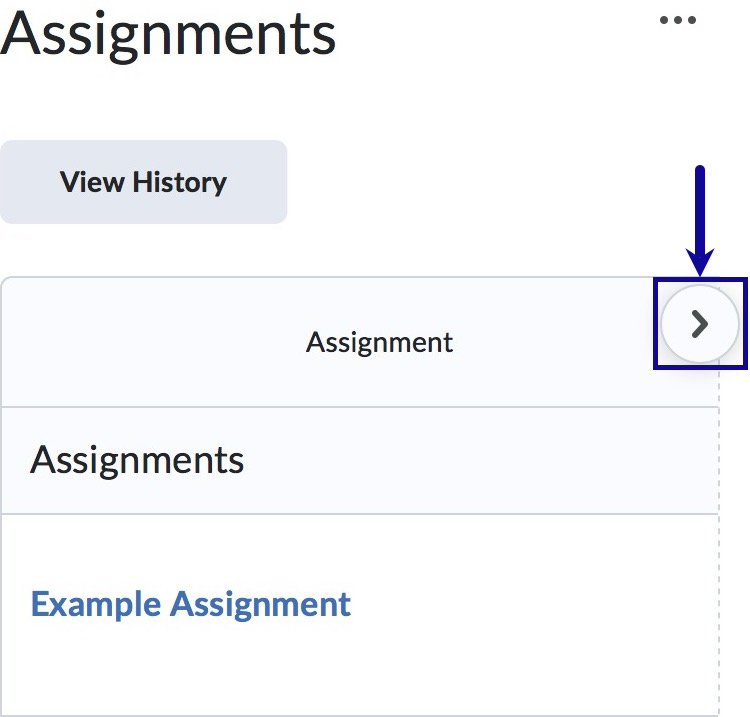
- On the feedback screen, the Overall Feedback section displays the instructor’s comments.

- Optional: If the instructor provided feedback directly on the assignment, select View Inline Feedback to review additional comments.


Note:
To view feedback within the gradebook, select View Inline Feedback.
- Select Done.