Mark Video as Reviewed for Audio Descriptions
- From the Online Tools menu within My Home page, select My Media.
- Locate and select the reviewed video thumbnail and/or video title to open the video.
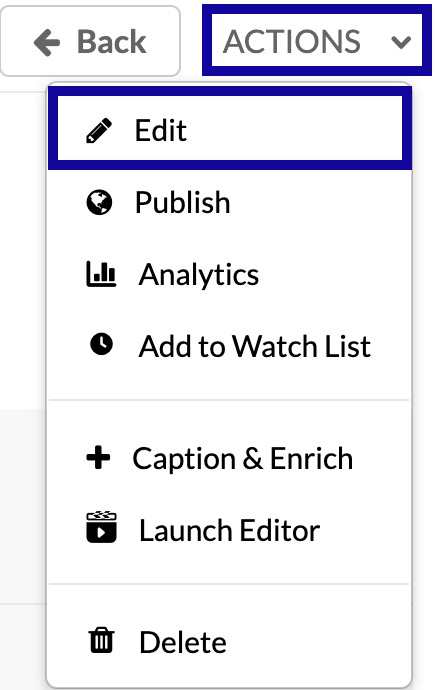
- Locate and select the Actions menu below the video.
- From the Actions dropdown menu, select Edit.
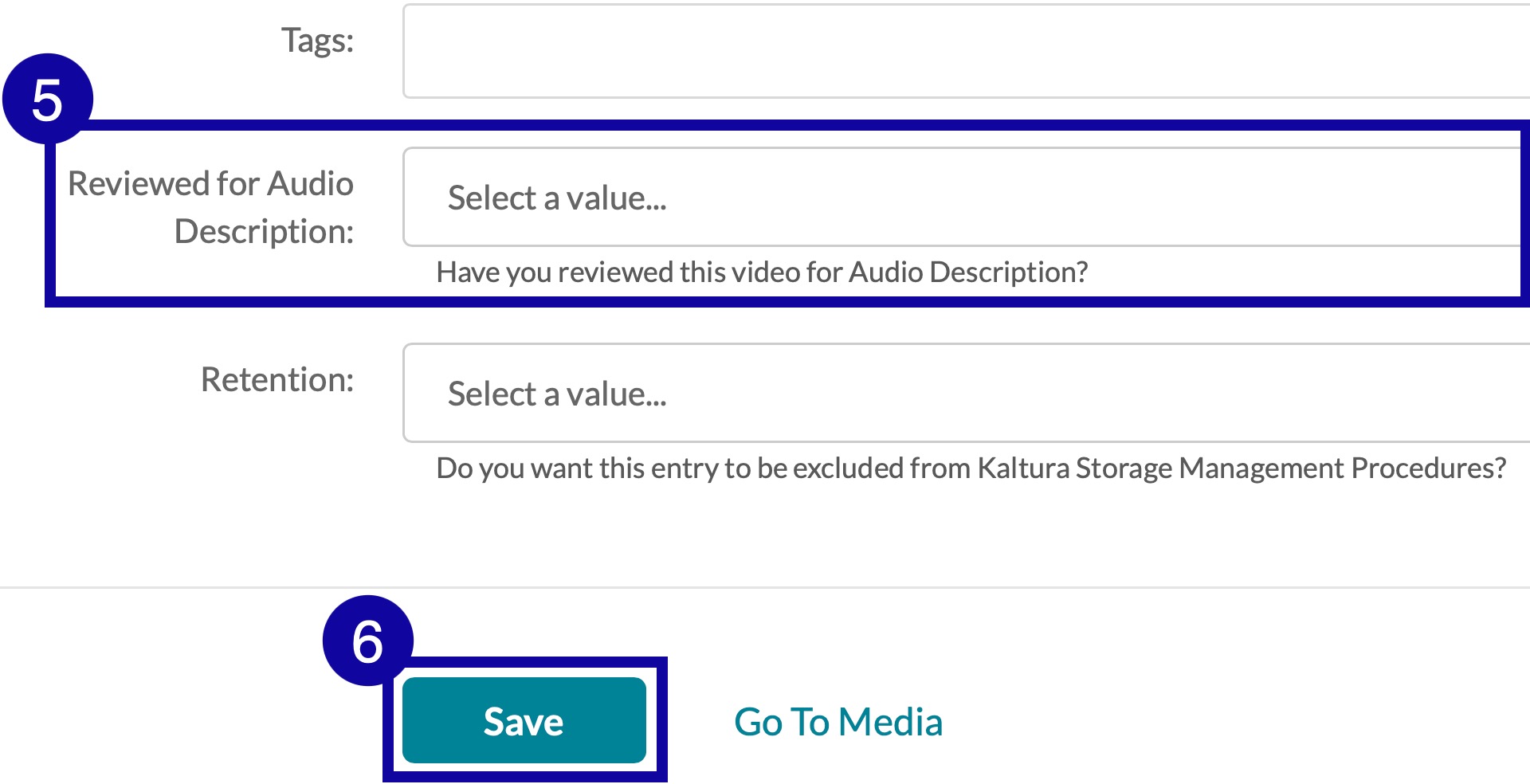
- On the Details tab, select Yes from the Reviewed for Audio Description dropdown menu.
- Select Save.