Note:
This method is required to connect a video quiz to the D2L gradebook.
-
Step 1
From within a D2L course, select Content. -
Step 2
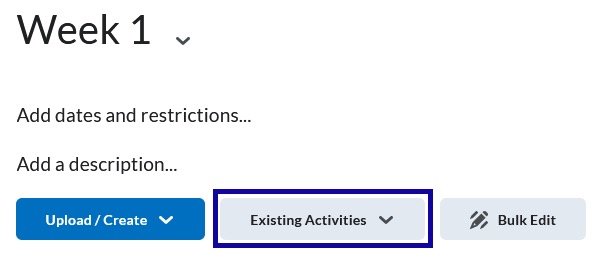
Navigate to the content module where the video is to be inserted and select Existing Activities.
-
Step 3
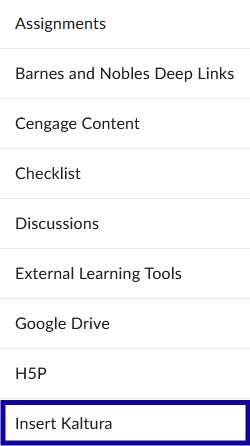
From the Existing Activities dropdown menu, select Insert Kaltura.
-
Step 4
Locate the video to embed and select Embed.