Note:
A two-column layout is recommend to provide maximum compatibility for all devices. When copying a course into a new course shell or adding custom widgets to a course, ensure the course is using a two-column layout.
-
Step 1
From the Manage Course menu, select Course Admin. -
Step 2
From the Site Setup section, select Homepages.

-
Step 3
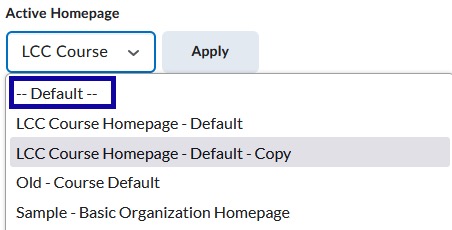
From the Active Homepage dropdown menu, select Default.
-
Step 4
Select Apply.