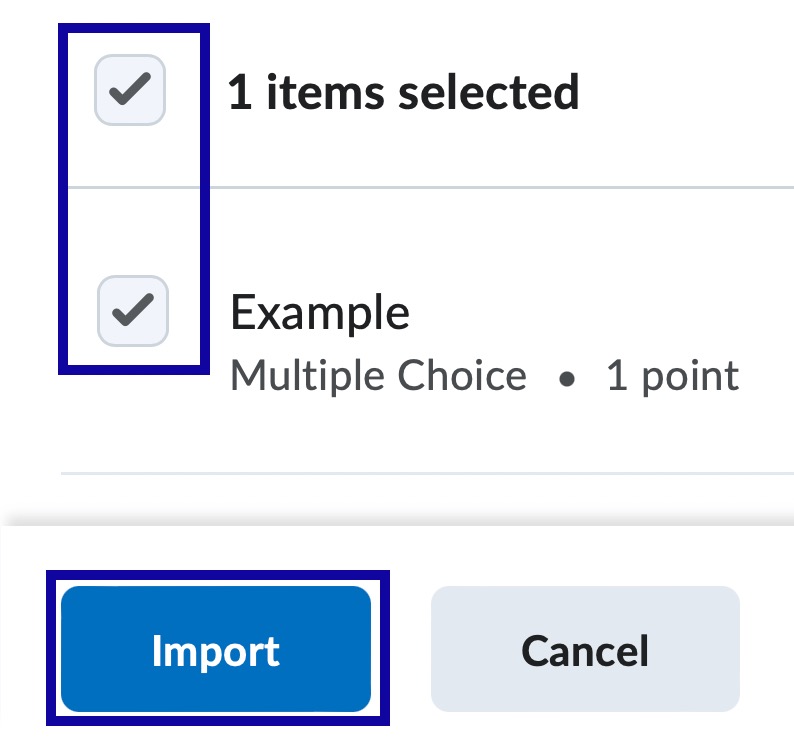
Quiz Question Library provides the ability for instructors to create and organize a collection of questions that can be used in quizzes, surveys, or self assessments.
Organize Questions
Organize Questions provide the ability to organize in Section folders within the Question Library. Once a Section folder has been created, questions can either be moved into it or created within it.
-
Step 1
From the Assessments menu within a D2L course, select Quizzes. -
Step 2
Select the Question Library tab.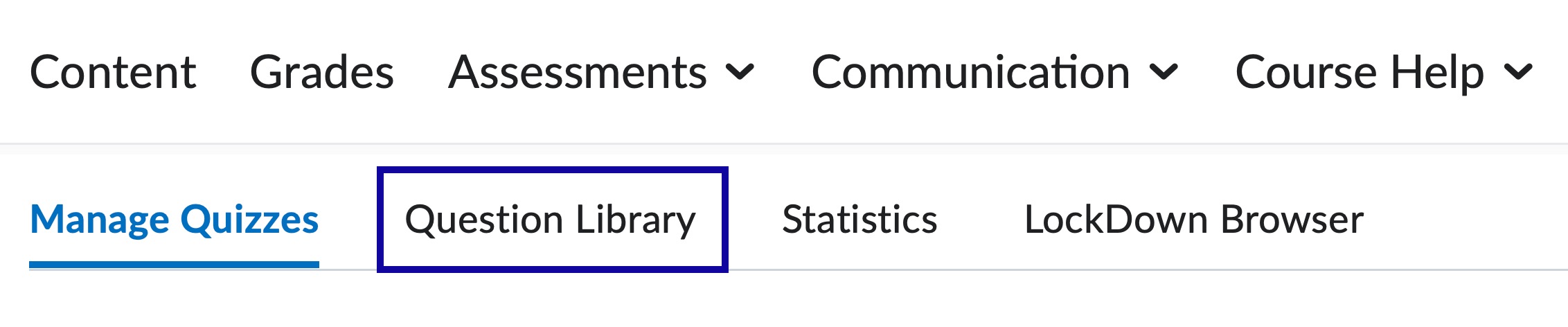
-
Step 3
From the New dropdown menu, select Section.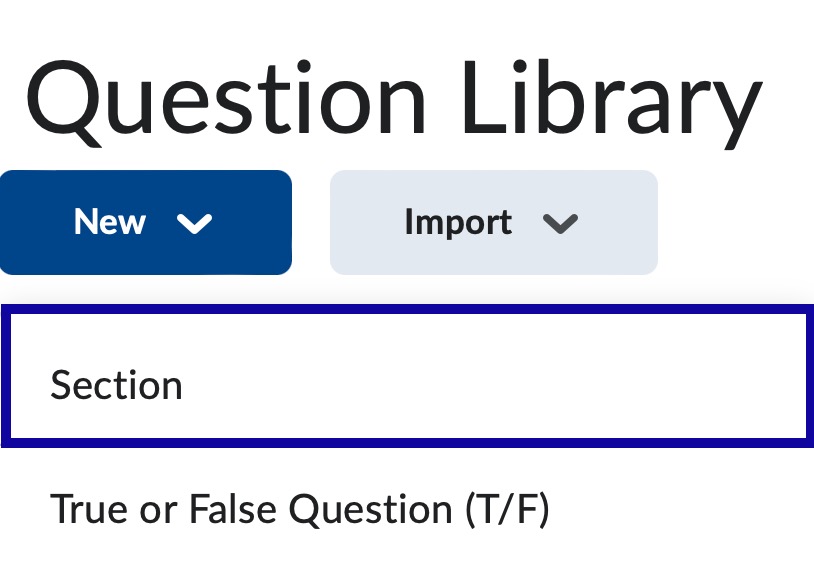
-
Step 4
Enter a name for the Section in the Section Title field. -
Step 5
Select Save.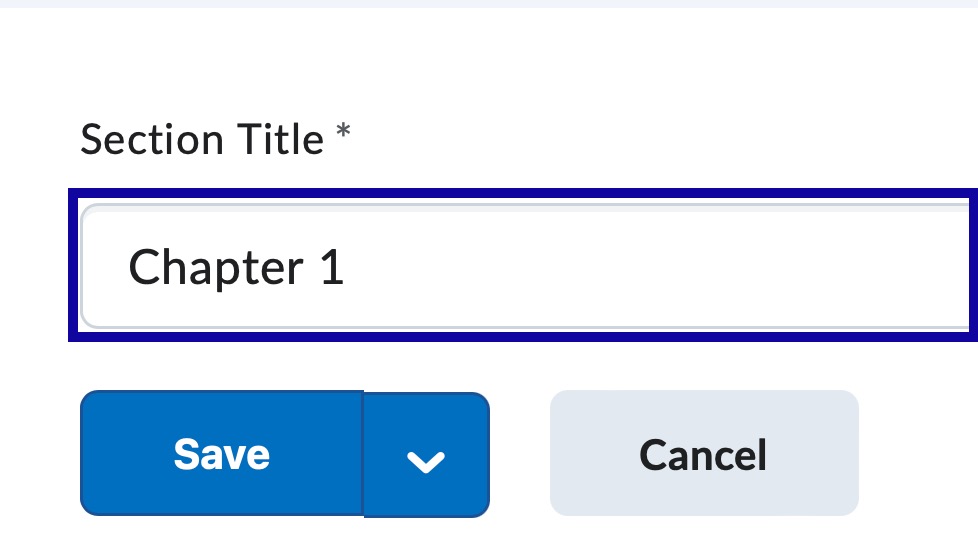
Import Existing Questions
Import Existing Questions provide the ability to consolidate questions created with the Quizzes, Surveys, and Self Assessments tools into the Question Library.
-
Step 1
From the Assessments menu within a D2L course, select Quizzes. -
Step 2
Select the Question Library tab. -
Step 3
From the Import dropdown menu, select Browse Existing Questions from the root of the Question Library or within a Section.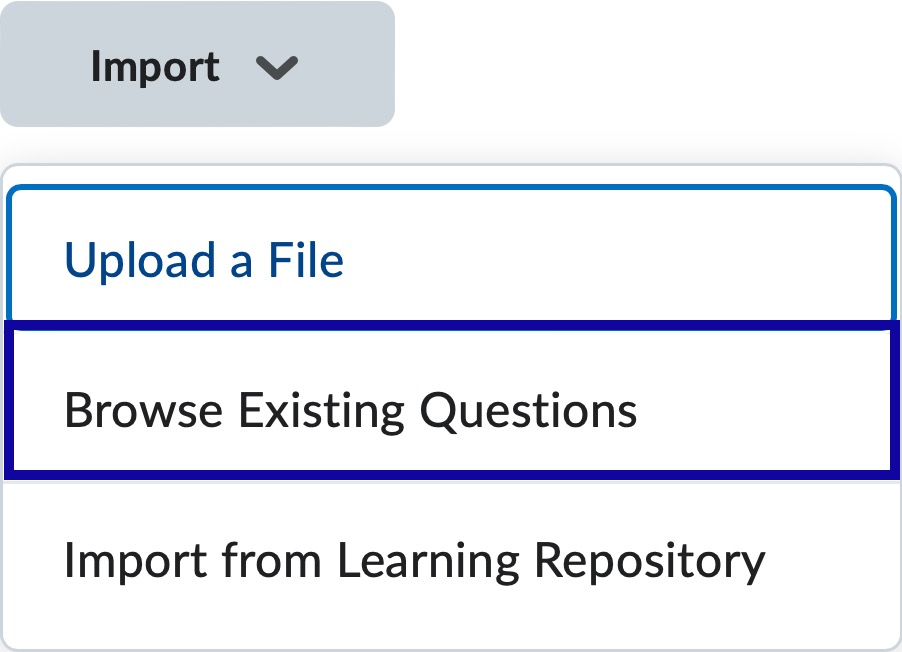
-
Step 4
From the Source Collection dropdown menu, select the source where existing questions reside.
-
Step 5
Select the question checkbox(es) to import. -
Step 6
Select Import.