-
Step 1
From the Online Tools menu within My Home page, select My Media. -
Step 2
Locate and select the +Create button. -
Step 3
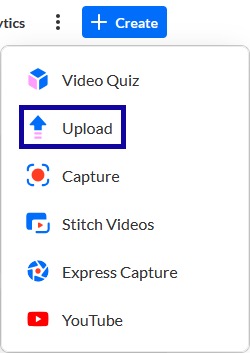
From the +Create dropdown menu, select Upload.
-
Step 4
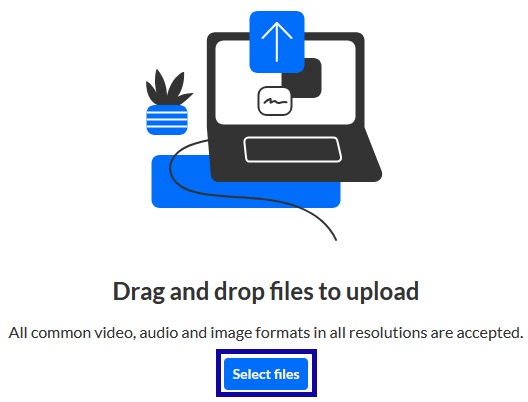
Select the Select files button to select a file, and select Open from the computer.
-
Step 5
Once the file has been uploaded and processed, select Go To My Media.