Access D2L Courses
Note:
Before accessing D2L courses, please visit Access D2L for instructions on signing into D2L.
Select one of the methods below to access D2L courses:
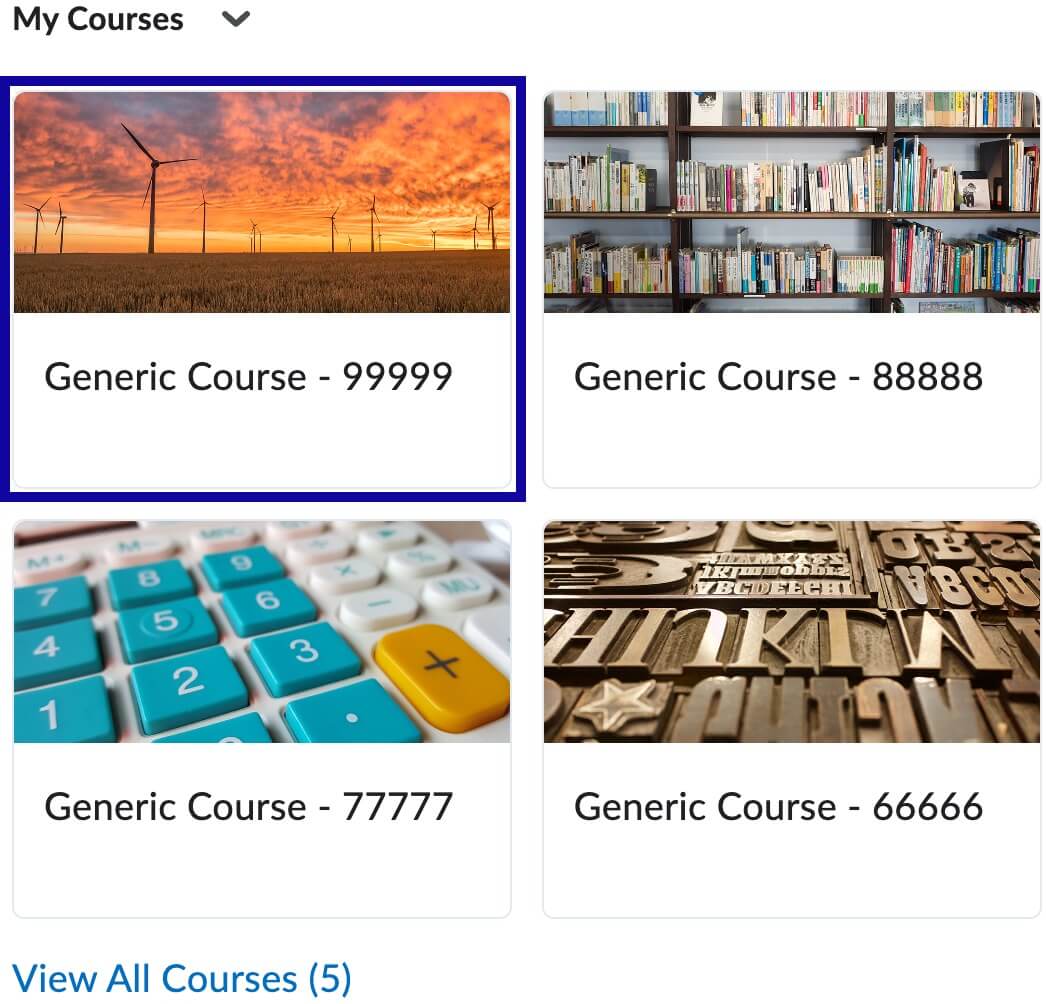
My Courses Widget
- From the My Home page within D2L, locate the My Courses widget.
- Select the course card and/or course title to enter the course.
Course Selector
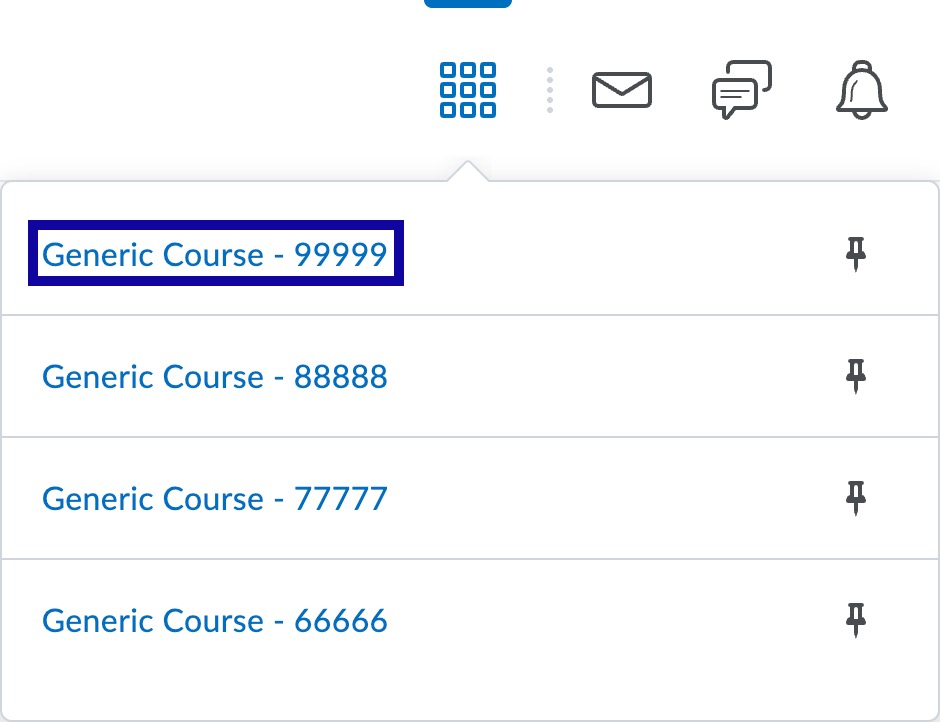
- From the My Home page within D2L, locate the Course Selector icon from the Minibar at the top-right of the My Home page.

- Select the Course Selector icon to open the dropdown menu.
- Select the course title from the dropdown menu to enter the course.